Welcome to the first installment of the Hardwired series, where I focus on torturing various consumer electronics and boasting about it online. I've been sitting on this idea for a while, but never really had enough motivation to both research and yap about my findings at the same time. Hop in, maybe you'll learn something.
Oh and don't expect it to be structured in any way. I just ramble as I explore whatever I'm doing.
Recently I've been hunting for a DAP (digital audio player) on the cheap, and I found this little cutie.
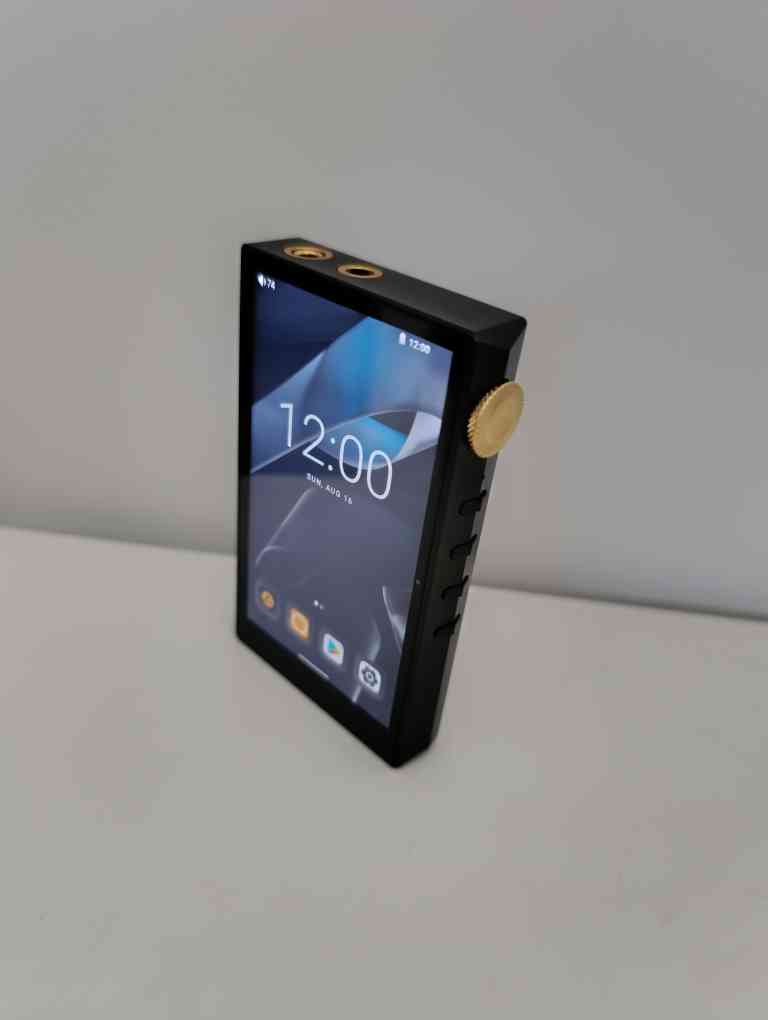
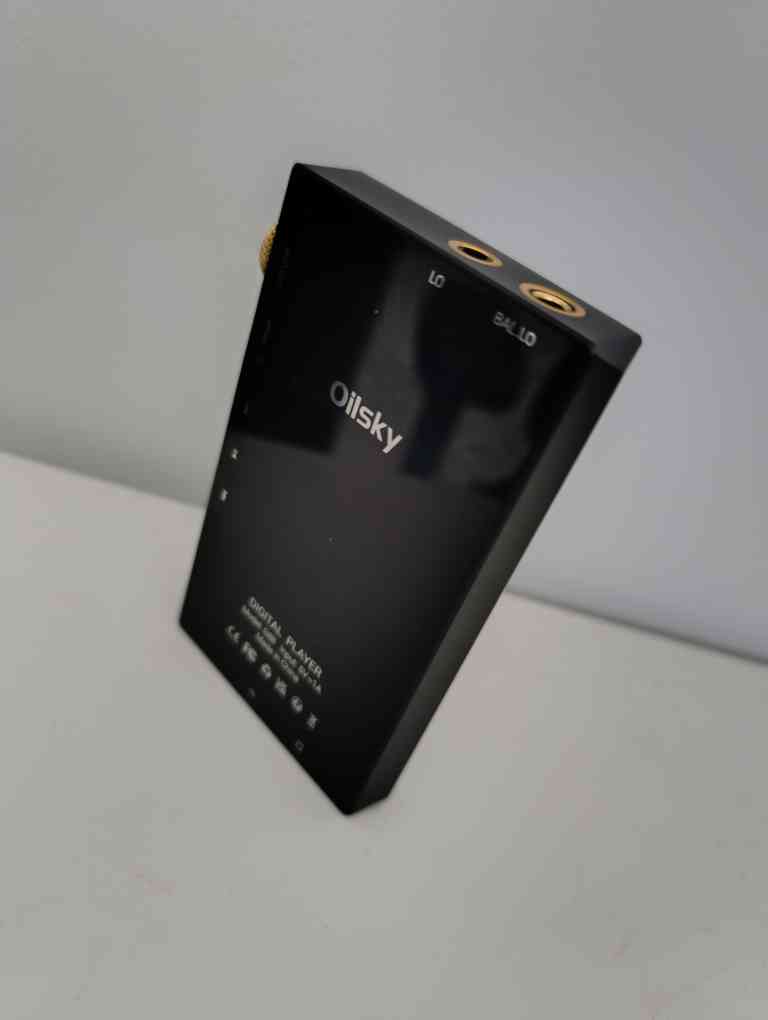
At about $120 you get a tiny slab of glass & metal that might as well double as a blunt force weapon. The design is obviously uhhh... Inspired by many FiiO digital audio players - the knob on the right side of the device is an obvious giveaway - but we're not here to talk about how the device looks. Let's talk specs.
Platform:
  SoC: Mediatek Helio P22
  CPU: MT6762V/WR (64-bit)
  GPU: PowerVR GE8320
  RAM: 3GB
  Board: ALPS k62v1_64_bsp

Battery:
  Technology: Li-ion
  Design capacity: 2946mAh

Storage:
  Embedded: Flash, Samsung RX1BMB 32GB
  SD card: yes, up to 512GB

Display:
  Resolution: 1136x640
  Refresh rate: 60Hz
  Density: 290dpi
  LCM: Newhaven NV3051

Audio:
  DSP: Dual ES9018 (i2c)
  Output:
    - 3.5mm unbalanced Jack
    - 4.4mm balanced Jack

Connectivity:
  WLAN: present (refer to SoC docs) - 802.11ac, WPA3, Wi-Fi Direct
  Bluetooth: present (refer to SoC docs) 5.0

Other:
  USB PD ctrlr.: Awinic AW35615
  Battery ctrlr.: ETA Solutions ETA696 series (6965 assumed)
  Accelerometer: MiraMEMS MSA311
Funniest shit about this device? The firmware for Oilsky G88 seems to be a slimmed down version of the BLU G90 phone, the only thing separating those two are their device tree sources.
Since this is my favorite platform to fuck around with - Mediatek - as the first tiny milestone to make the device truly mine, I decided to unlock the bootloader. The older Mediatek platforms use LK (little kernel) as their Linux loader. That thing runs the proprietary mt_boot "app" which handles USB comms, fastboot, stuff like that. But before I get ahead of myself - an important bit:
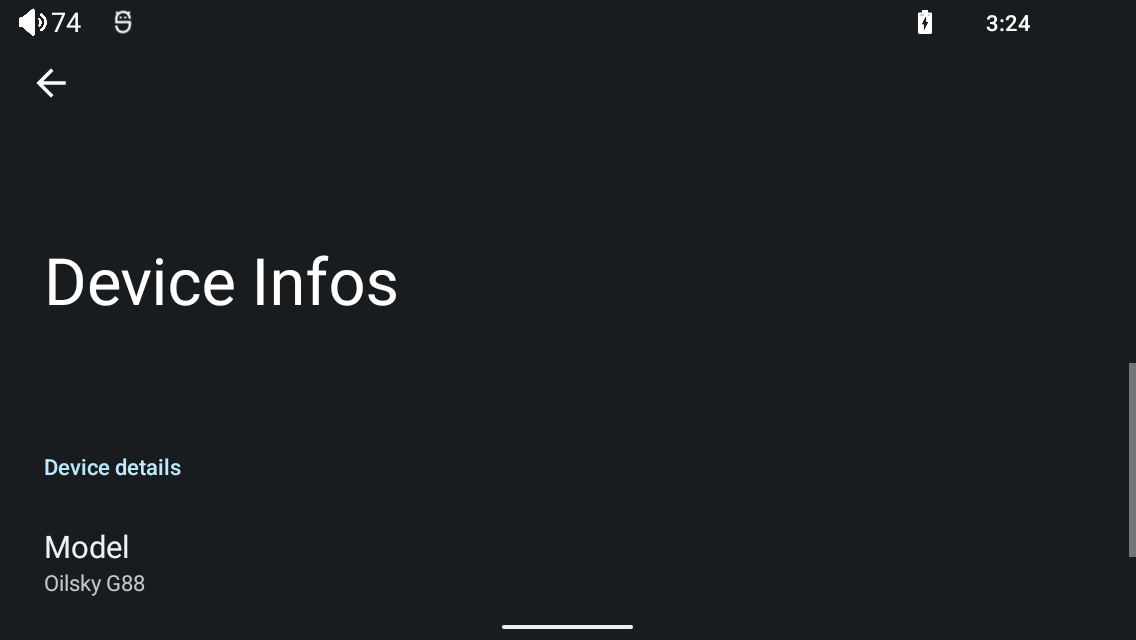
Tap the living shit out of this Model button inside Settings -> Device Infos to enable developer settings.
After that, go to Settings -> System -> Developer Options and find OEM unlocking toggle switch. Toggle it on. If it's disabled and toggled on this means you or someone else has already unlocked the bootloader for you. Which also means your device boot time is now slow as fuck - we'll fix that later.
I'm using Arch Linux, so I had to install the android-tools and mtkclient packages. Those two enable you to do all kinds of shit to your devices.
This time I had to use adb reboot bootloader.
Tip
Don't forget to authorize your host computer with the ADB on the device if this is the first ADB command issued.
This dropped me into fastboot mode of the Little Kernel. From there it was easy:
> fastboot flashing unlock
(bootloader) Start unlock flow

OKAY [20.011s]
Finished. Total time: 20.011s
Accept the prompt with the ⏮ key (mapped as VOL_UP). Congrats - now your bootloader is unlocked, and your userdata partition has been wiped. Yay.
Fuck that.
Tip
In case you fuck up your boot flow with a command like fastboot oem usb2jtag 1 and you end up in a boot loop, you can still boot into fastboot with mtk meta FASTBOOT. The mtk tool will crash but you'll end up with a functional fastboot shell where you can undo any fuckery you've done before the boot loop.
Naturally, now that the security on the device is off, you'll want to back up every partition residing in the flash. So:
> mkdir oilsky-g88-partitions && cd oilsky-g88-partitions
> mtk rl .
Alternatively, you can opt to dump the entire flash as one giant blob:
> mtk rf oilsky-g88.emmc.bin
About 20-25 minutes are required for each command to finish dumping the flash contents.
And that's about it. Next up - changing that stupid logo so it shows a picture that doesn't suck. Jesus christ, who named that thing "Oilsky." Fuck off.